

XnViewMP for Windows
| Rate: | 4.5/5 votes - 2 |
| License: | Freeware |
| Version: | 1.12.2 | Report about update |
| Updated: | |
| OS: | Windows 7 and higher |
| Interface: | English, Russian, Hebrew |
| Developer: | Pierre-e Gougelet |
| Categories: | Editors, players - Graphics, photo |
| Downloads (today/total): | 3 / 1 827 | Statistics |
| Size: | 65.88 Mb |
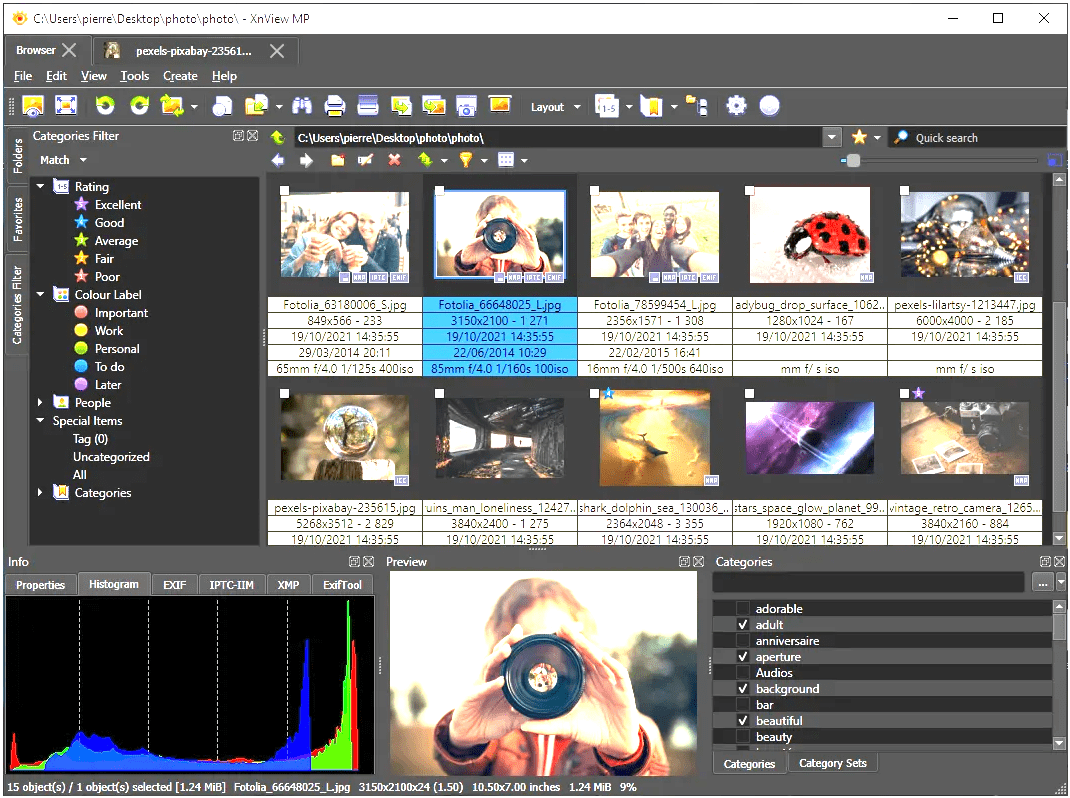
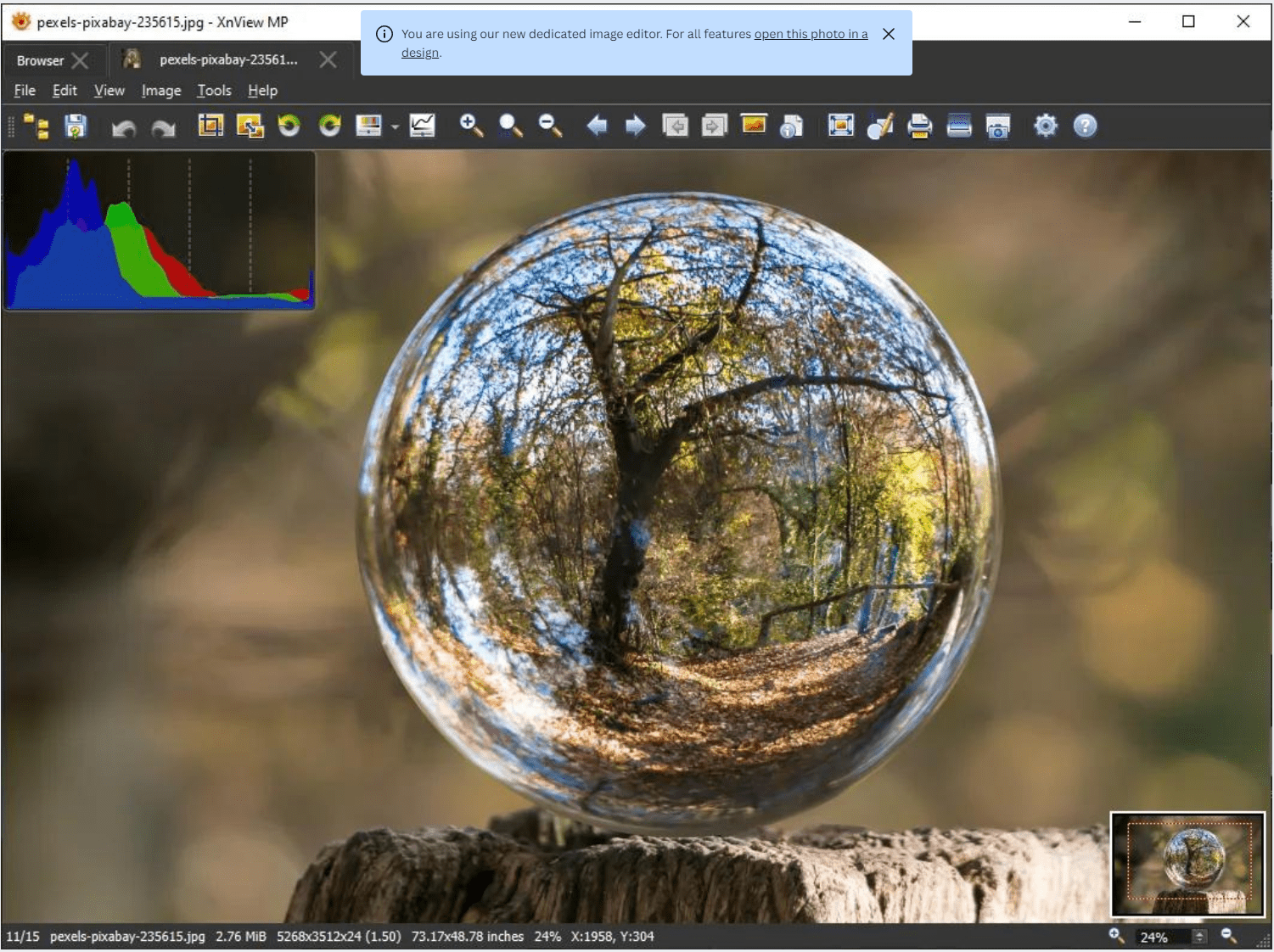
XnViewMP is a powerful multifunctional application for working with graphic files on your computer, which is an extended version of the XnView program. In fact, this tool can be considered a kind of media browser with viewer, converter, and cataloger options. It supports viewing more than 500 different graphic formats, and when saving (converting) - up to 50 formats.
The capabilities and toolset of the application are truly enormous. As already mentioned, you can convert images and photos into different formats, including the batch mode, which is undoubtedly convenient when working with large amounts of data, you can view and edit the EXIF information, make screenshots, upload data to an FTP server, website or send by e-mail, organize the image library according to certain parameters and much more.
Images can be cropped, rotated, and resized, brightness and contrast settings can be adjusted, various effects can be applied, etc. In general, the application combines the capabilities of several areas of work with image files, based on the principle of "all-in-one". It should be noted and well-thought interface of the product which is made like Windows Explorer, where everything is arranged and sorted out for the most productive use.
The main features of XnViewMP:
- View over 500 and export to 50 graphic file formats.
- Support for viewing and creating multi-page and animated files.
- Full range of image editing options.
- Copy, cut, and crop pictures.
- Adjust color gamut, brightness, and contrast.
- Use a large set of ready-made filters and effects, as well as the use of their own.
- Create screenshots and adjust scanning settings directly from the application.
- Edit and modify EXIF data.
- Creation of slide shows and graphical presentations.

EasyBCD is a program for managing the booting of multiple operating systems installed on one PC. Simplifies the task of selecting an operating system, adding and...
 VLC Media Player (VideoLAN) 3.0.24
Excellent player that makes it easy to play any media content. It has a set of built-in codecs, supports almost all known audio/video formats, allows network...

ImgBurn is a free tool for burning CD/DVD images that can work with virtually any CD/DVD drive. The application supports most image file formats, can analyze the...

Parametric multiband equalizer for Windows using Audio Processing Object (APO) technology, which allows you to change the sound parameters of all applications at...

Free ACDSee counterpart that provides all the necessary tools for viewing and editing graphic files. Supports a huge number of formats, batch processing of files,...
 Free YouTube Download 4.5.23.1007
Free and easy-to-use program for downloading video files from YouTube and then converting them to AVI, MP4, FLV, WebM formats. Supports working with HD (High...
Reviews about XnViewMP
 Admin
Admin
There are no reviews for XnViewMP 1.12.2 yet, you can add...
